
Lua Sources
OpenSteamTool needs .lua files to know which games to unlock. You can get these from two community sources — no programming required.
Once downloaded, .lua files go into the config\lua\ folder inside your Steam root directory (where steam.exe is, typically C:\Program Files (x86)\Steam\config\lua\).
Recommended Sources
| Source | Rating | Daily Limit | URL | Notes |
|---|---|---|---|---|
| Hubcap | ★★★★★ | ~25/day | https://hubcapmanifest.com/ | Most popular, requires Discord login |
| Ryuu | ★★★★☆ | ~50/day | https://generator.ryuu.lol/ | Large collection, requires Discord login |
Hubcap
Join the Hubcap Discord server if you haven't already
Click "Continue with Discord", authenticate, then return to the main page
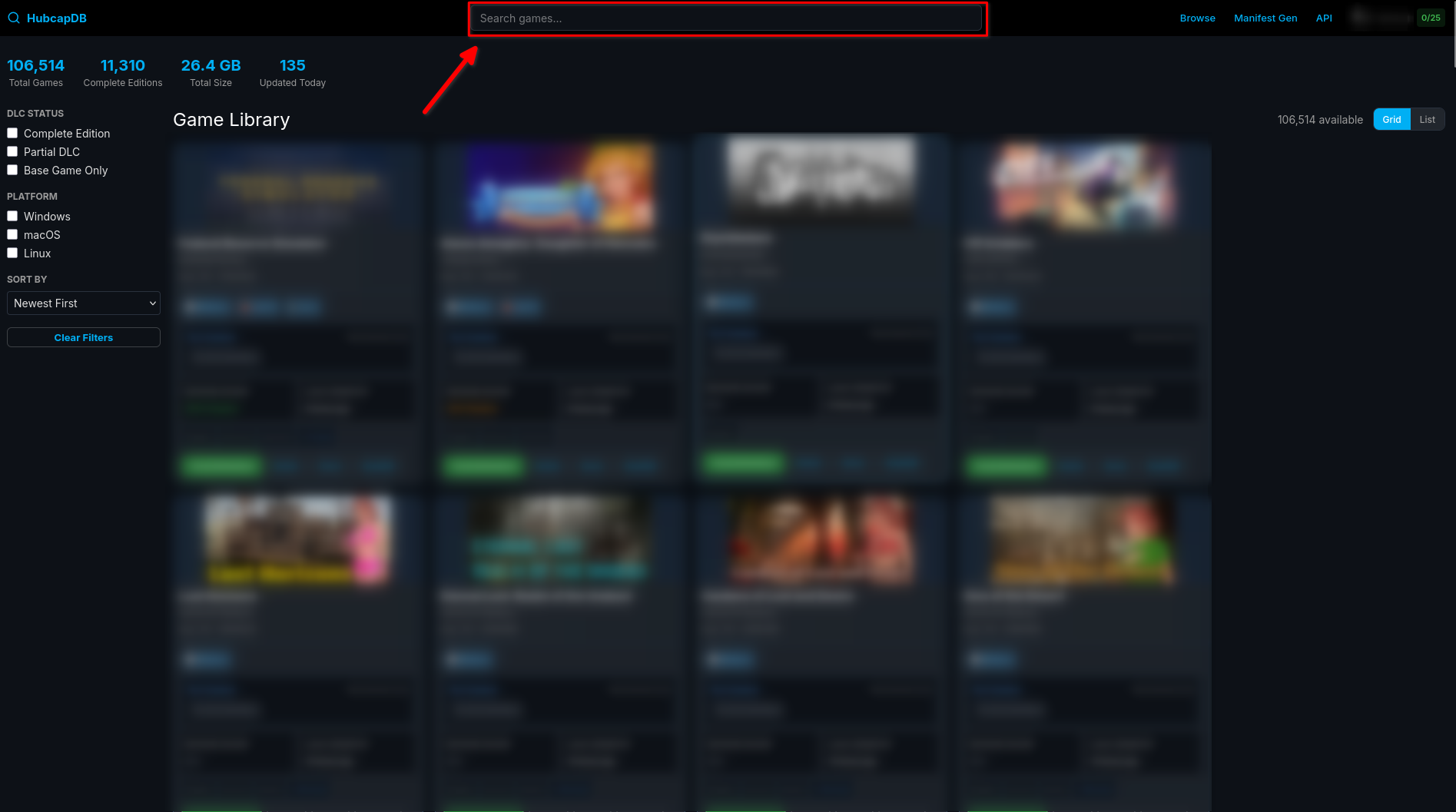
Use the search box to find your game by name or Steam App ID
Click "Check & Download" to download the
.luafile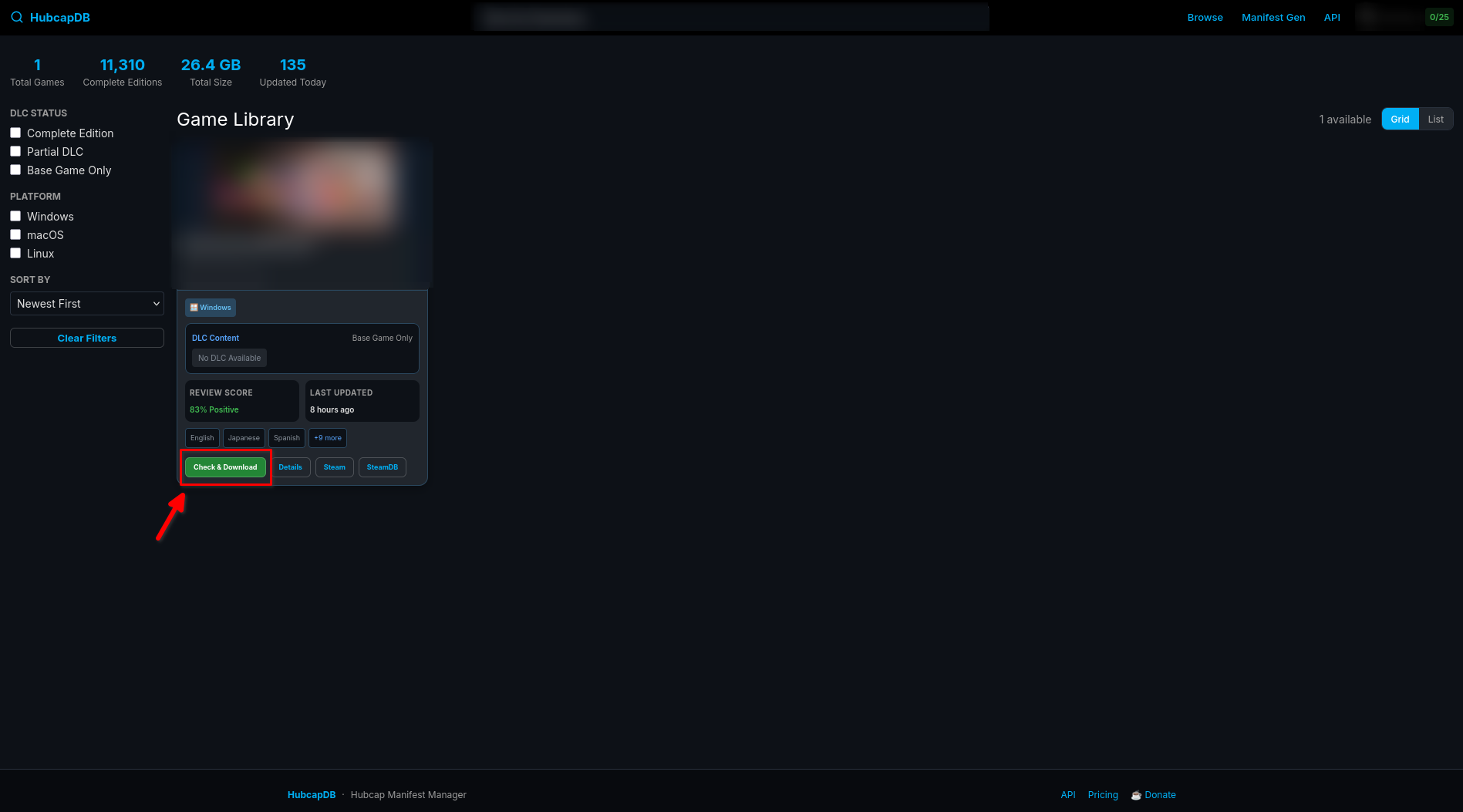
Extract the
.luafile from the downloaded zip file (ignore any other files)Place the
.luafile inconfig\lua\inside your Steam root directory (e.g.C:\Program Files (x86)\Steam\config\lua\)
Ryuu
Join the Ryuu Discord server if you haven't already
Click "Login with Discord", authenticate, then return to the main page
Make sure the toggle is set to .lua mode (to only see
.luafiles) and use the search box to find your game by name or Steam App ID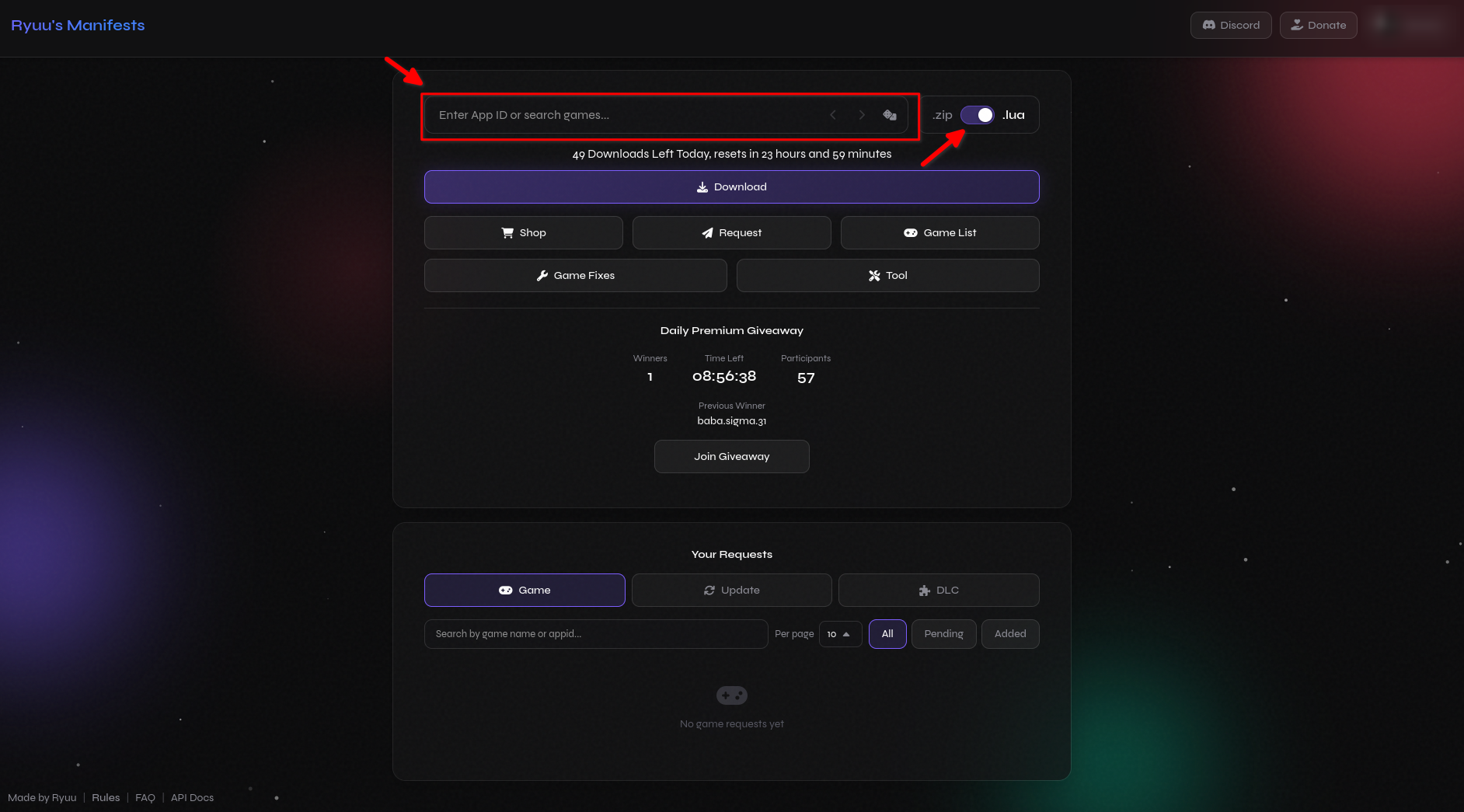
Click "Download" to download the
.luafile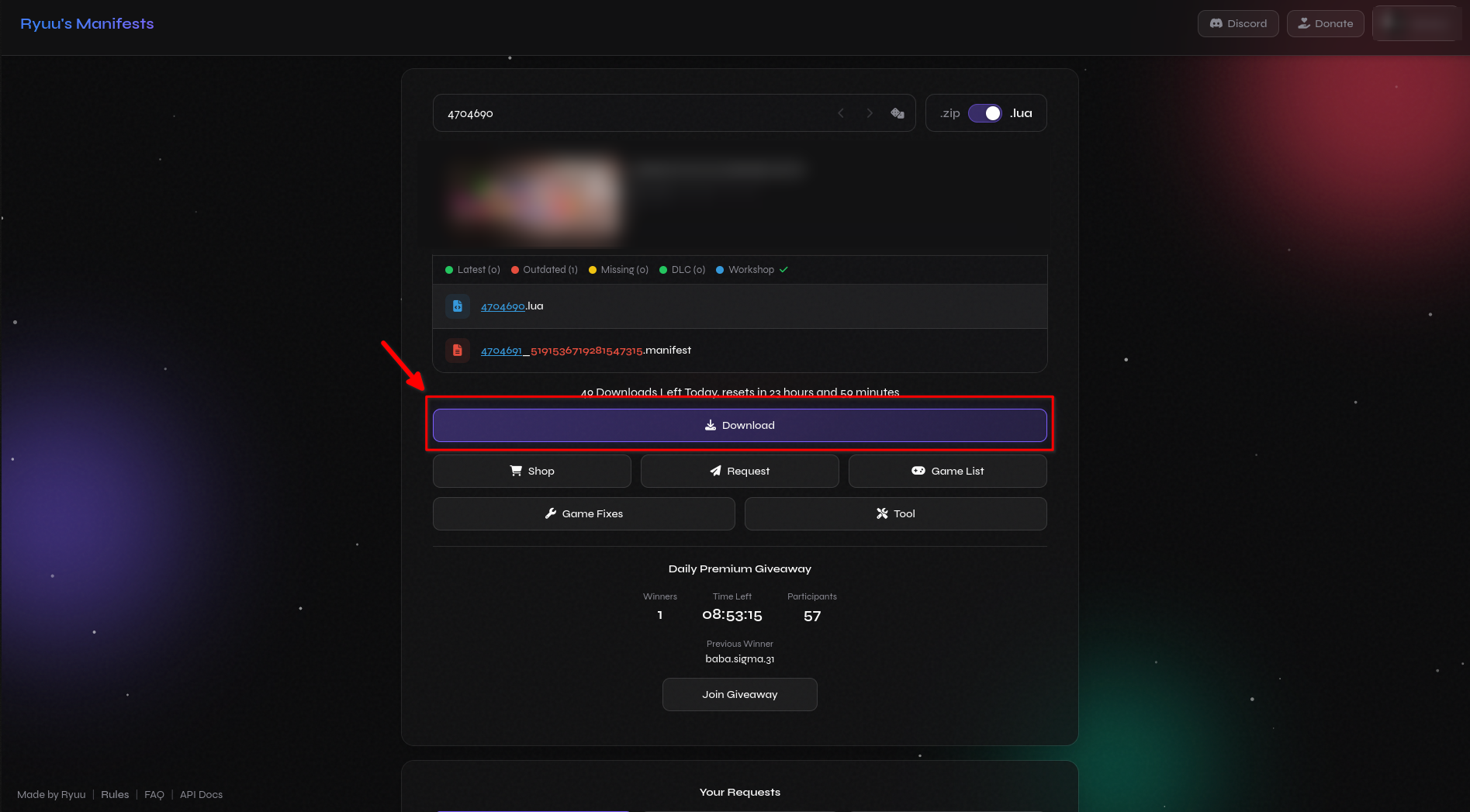
Place the
.luafile inconfig\lua\inside your Steam root directory (e.g.C:\Program Files (x86)\Steam\config\lua\)
Only take the .lua file
From the downloaded archive, take only the .lua file. Do not grab manifest files, executables, installers, or other files. Let OST download everything else it needs on its own.
Denuvo Fix
The .lua files from Hubcap and Ryuu contain addappid() and addtoken() calls to unlock games, but they often do not include the Denuvo ticket data (AppTicket and ETicket) needed for Denuvo-protected games. Without this, Denuvo games will fail with error 88500005.
You can get a Denuvo crack from trusted sources like voices38(search it yourself) that removes the Denuvo protection entirely. Place these files in the game's installation folder.
Online Fix
Some games also need the built-in Online Fix to enable multiplayer. Add -onlinefix to the game's launch options in Steam:
- Right-click the game in your Steam library
- Select Properties
- Under Launch Options, add:
-onlinefix - Launch the game
See the Online Play guide for details and troubleshooting.
Ratings
Configs are rated on how accurate and up-to-date their generated files are.
| Rating | Meaning |
|---|---|
| ★★★★★ | Always up-to-date, works immediately, good format |
| ★★★★☆ | Usually up-to-date, minor delays |
| ★★★☆☆ | Sometimes outdated, may need a newer download |
| ★★☆☆☆ | Frequently outdated, multiple attempts needed |
| ★☆☆☆☆ | Broken configs, avoid |
What a Lua File Looks Like
This is the kind of file you'll get from those sources:
-- Example game configuration
addappid(1361510)
addappid(1361511, 0, "5954562e7f5260400040a818bc29b60b335bb690066ff767e20d145a3b6b4af0")
addtoken(1361510, "2764735786934684318")
You can have multiple .lua files in config\lua\ (inside your Steam root directory) — one per game or all in one. OST loads them all automatically.